How to edit an order before fulfillment pulls it


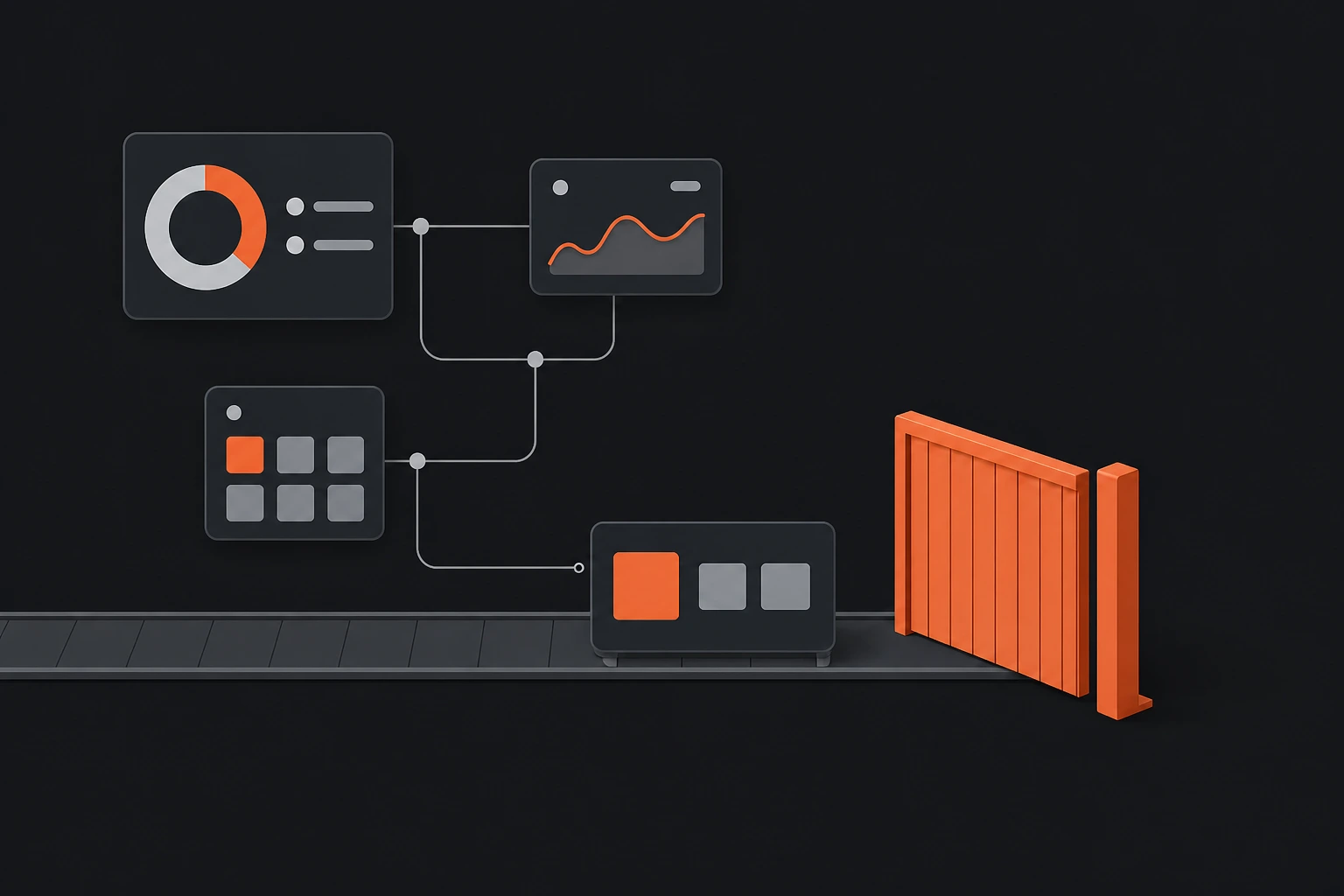
A customer emails twelve minutes after checkout with the right address. The order is still unfulfilled in Shopify, so you should be able to fix it. Your 3PL pulled it nine minutes ago and it is already on a pick list.
That gap is the entire problem, and it is not something Shopify controls.
Two different deadlines, and the one that binds is not the obvious one
Shopify's deadline is fulfilment status. An unfulfilled order or the unfulfilled portion of a partially fulfilled one can be edited in the admin.
Your operational deadline is when your warehouse system ingested the order. Most fulfilment integrations poll Shopify for new orders on a short interval or subscribe to a webhook that fires at checkout. Once the order is in the warehouse system it has its own copy, and editing the Shopify record does not reach back into it.
So an order can be fully editable in Shopify and completely uneditable in reality. The admin will let you make the change and the picker will ship the original.
This is why the category exists at all, and why the tools that compete here are integration layers rather than editing widgets. Buying an order editor that does not hold the order at the warehouse boundary buys you a nicer admin screen and the same shipping errors.
What Shopify itself will not let you edit
Independent of your fulfilment stack, Shopify's own documentation sets limits worth knowing before you promise a customer anything. From Shopify's considerations for editing orders, checked August 19, 2026:
| Restriction | What it means in practice |
|---|---|
| Fulfilled items cannot be removed or requantified | Once part of the order ships, that part is fixed |
| Orders with local delivery cannot be edited | The delivery method blocks editing outright |
| App-created orders cannot be edited in the admin | "Any orders that are created by an app can't then be edited in the Shopify admin" |
| Shop Pay Installments orders cannot be edited | Refund and recreate instead |
| Discount codes and automatic discounts cannot be edited | Some recalculate, some do not |
| Delivery method cannot be changed | Shipping to pickup is not an edit |
| Requires the store owner or the Edit orders permission | It is a staff action, not a customer one |
That last row is the quiet one. Native Shopify order editing is an admin capability gated behind a staff permission. There is no version of it a customer can reach, which is why "just let them edit it themselves" is not a setting you can turn on. I went through the full set of native limits in what you can and can't edit on a Shopify order after purchase.
Shipping addresses have their own trap. Changing one recalculates taxes for the new destination, but shipping methods and rates do not recalculate automatically. So an address edit across a rate boundary leaves you shipping at the old price unless someone adjusts it manually.
Widening the window
Three levers, in order of how much they actually move.
Hold the order at the boundary. The only real fix. Something has to sit between checkout and fulfilment ingestion and delay the handoff for a defined period, so there is a window during which the Shopify record is still the source of truth. This is what an editing tool is really selling, whatever the marketing says.
Set the window deliberately, and short. A hold is a delay in shipping, and shipping speed is a promise you have already made. Most stores land somewhere between fifteen and sixty minutes: long enough to catch the wrong-address emails, which cluster immediately after checkout, short enough not to move your dispatch cutoff.
Let the customer make the change inside it. A window nobody can use is just slower fulfilment. If the edit still requires a support agent, you have added latency to your shipping without removing the ticket that caused it.
Order Editing is built around that sequence: hold, expose the edit to the customer, then release to fulfilment with inventory, 3PL and ERP kept in step. It is free, with no cap and no per-order charge.
Before you turn any of this on
Find out how your fulfilment provider ingests orders
Measure how quickly change requests actually arrive
Decide what a customer may change without a human
Check what happens to inventory on every edit type
Confirm the shipping rate behaviour on address changes
Step one is the one people skip and the only one that determines whether any of the rest works.
The honest part
A hold is a real cost. You are delaying every order to rescue a small percentage of them, and if your edit rate is 2% you are slowing 98% of your fulfilment for the benefit of the other 2%. At a fifteen-minute window that is almost certainly worth it. At two hours it may not be, and if you compete on same-day dispatch it definitely is not.
I have also described fulfilment ingestion generically because it genuinely varies. ShipHero, Fulfil, NetSuite and Brightpearl each behave differently, and some 3PLs poll on schedules they will not publish. Ask yours directly rather than assuming the pattern above.
And none of this helps once the parcel is moving. After handoff the honest options are intercepting with the carrier, which is unreliable and chargeable, or letting it deliver and handling it as a return. An editing tool that implies otherwise is overselling.
Frequently asked questions
How long can you edit a Shopify order after purchase?
In Shopify, until the items are fulfilled. Operationally, until your fulfilment provider ingests the order, which is often minutes after checkout and is the deadline that actually binds. The Shopify record can still say unfulfilled while your warehouse is already picking from its own copy.
Why can't my customers edit their own Shopify orders?
Because native order editing requires the store owner or a staff member with the Edit orders permission. It is an admin capability with no customer-facing equivalent, which is why self-serve editing needs an app rather than a setting.
What can't be edited on a Shopify order?
Fulfilled items cannot be removed or requantified, orders using local delivery cannot be edited at all, orders created by an app cannot be edited in the admin, Shop Pay Installments orders must be refunded and recreated, and discount codes cannot be edited. Changing the delivery method is also not possible. Checked against Shopify's own considerations page, August 19, 2026.
How do I stop my 3PL pulling an order before a customer can change it?
You need something holding the order at the boundary between checkout and fulfilment ingestion for a defined period. That is an integration capability rather than a Shopify setting, and it is what order editing tools are actually selling. Fifteen to sixty minutes catches most change requests, which cluster in the first hour.
The thing to find out this week, before evaluating any tool: ask your fulfilment provider whether they subscribe to an order webhook or poll on an interval, and how long that interval is. That number is your current editing window. Everything in this category is an attempt to make it longer.