What Shopify draft orders are, and when to use


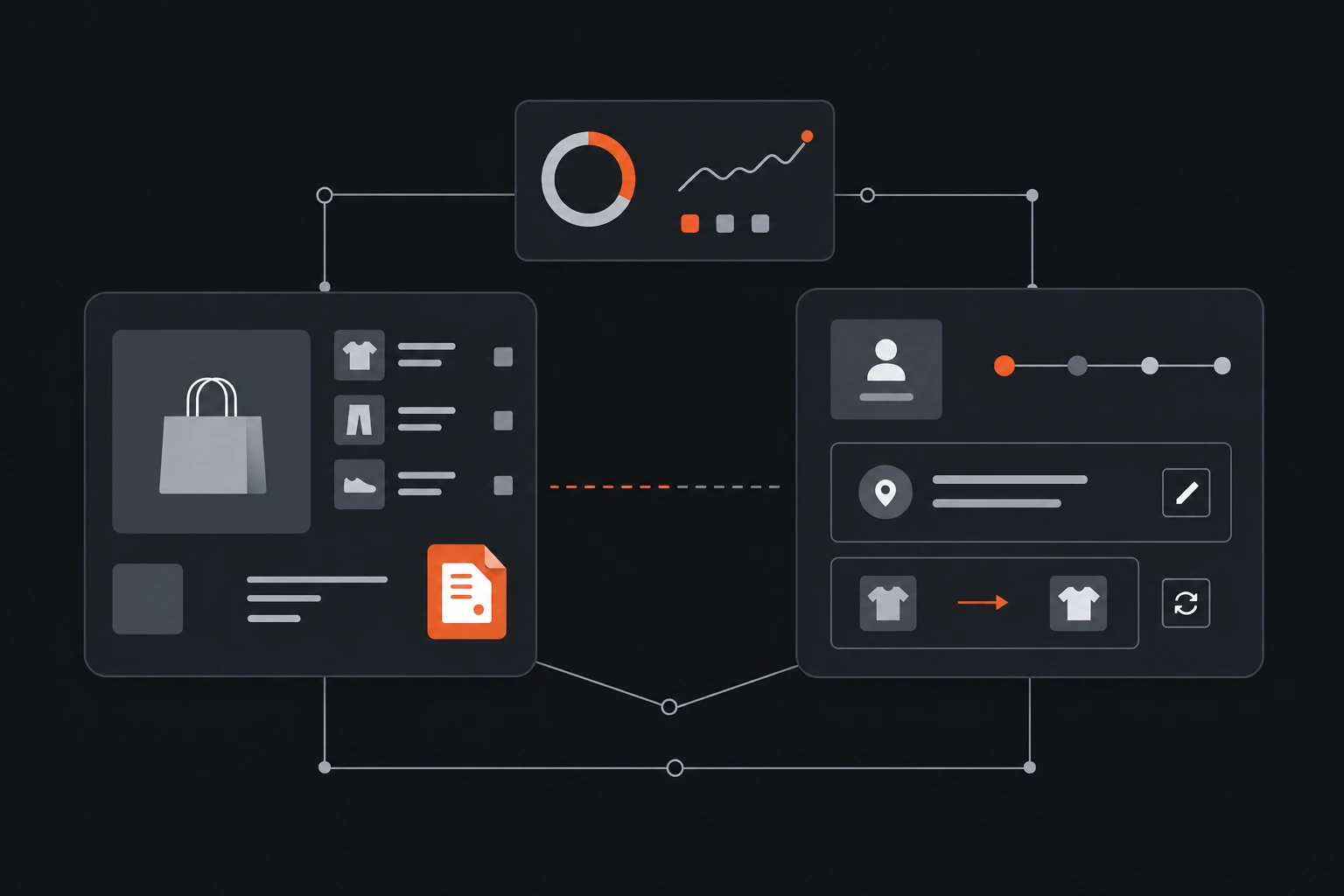
A draft order is an order you create yourself in the Shopify admin, before any payment happens and before the order officially exists. You add the products, set the price, attach a customer, and then either take payment on the spot or email an invoice with a secure checkout link.
It is Shopify's tool for the sale that does not begin at your storefront. A phone order, a wholesale account, a deal you closed in person.
What is a Shopify draft order?
Shopify's own help documentation frames it plainly: draft orders let you create orders on behalf of customers when you need to process orders through phone, email, or in-person sales. The key word is "you." A draft order is merchant-created. Your customer never builds it.
You assemble it in the admin, and it sits as a draft until it is paid. Send the invoice and the customer pays through a checkout link, run the card yourself, or mark it as paid if money changed hands another way. The moment it is paid, Shopify's documentation says, it becomes a regular order on your Orders page. From there it fulfils like any other order.
One housekeeping detail worth knowing: draft orders created on or after April 1, 2025 are automatically deleted after a year of inactivity, and any edit resets that clock. All of this is checked against Shopify's help docs on August 6, 2026.
When a draft order is the right tool
Draft orders exist for the orders that do not flow through your online checkout. A handful come up constantly.
Phone and email orders. A customer calls, you build the cart for them, and you send an invoice they can pay online.
Wholesale and custom pricing. You can add a discount code or a custom amount off, so a wholesale account or a one-off negotiated price is easy to set without touching your public prices.
Invoicing and payment later. You can send an invoice with a checkout link, or set payment terms like net 7 or net 30 for a customer who pays on account.
In-person and custom items. You can add a custom line item with its own name, price, and quantity for something that is not in your catalogue.
For any of these, a draft order is exactly the right tool, and nothing else in this article replaces it.
How to create a draft order in the admin
The flow is short. These are Shopify's steps, current as of August 6, 2026.
Open Orders, then Drafts, and click Create order
Add products or a custom item
Attach a customer
Apply a discount and add shipping
Collect payment or send an invoice
Once it is paid, it leaves the Drafts tab and lands in Orders as a normal order.
Draft orders, order edits, and customer self-service
Here is where the confusion usually starts, because "draft order" sounds like it should be the answer for a customer who wants to change their order. It is not.
A draft order is something you build before an order exists. Editing an existing order is a different feature, and it comes with real limits: Shopify only lets you change unfulfilled line items, and you cannot change the customer on a placed order at all. You would cancel it and start over.
Both of those are things you do, from the admin. Neither is something your customer can do.
That third case, the customer who wants to fix a wrong shipping address or swap a size an hour after checkout, is the one that actually floods your support inbox. It does not route to a draft order or to Shopify's order editing. It routes to a person on your team.
Customer-facing self-service is the fix for that specific problem. Order Editing lets a customer change the address, items, or quantities on an order they already placed, inside the window and rules you set, without opening a ticket. It is a different job from a draft order, and it is free.
| Draft order | Editing a placed order | Customer self-service | |
|---|---|---|---|
| Who does it | You, the merchant | You, the merchant | The customer |
| When | Before the order exists | After it is placed, before fulfilment | After it is placed |
| Typical use | Phone, wholesale, in-person, invoices | Fix an item on an order you took | Change address, items, or quantity |
| Key limit | Merchant-initiated only | Unfulfilled line items only, cannot change the customer | You set what is editable |
The honest part
Draft orders are the right tool for merchant-initiated orders and quotes, and I would not reach for anything else for a phone sale or a wholesale invoice. Self-service order editing does not replace them, and I am not going to pretend it does. The two features solve different problems for different people.
The honest gap sits in the second and third columns. Shopify's native order editing is genuinely limited: unfulfilled line items only, no change of customer, and it is still you doing the work. And nothing in the standard admin hands the customer the keys to their own order.
When a customer cannot fix a wrong address themselves, the order ships to the wrong place, and a "wrong address" quickly becomes a product-not-received chargeback. At that point you are into the math on why a chargeback costs more than the refund would have. That is the real price of leaving every change to your support queue.
One more caveat on draft orders specifically. They are not permanent scratch space. Drafts created on or after April 1, 2025 are auto-deleted after a year of inactivity, so do not treat the Drafts tab as long-term storage for a quote you might revisit.
Every navigation detail and date here is current as of August 6, 2026, checked against Shopify's help documentation. Shopify moves menus and changes rules, so confirm the current steps in your own admin before you rely on them.
Frequently asked questions
What is a draft order in Shopify?
A draft order is an order you create yourself in the Shopify admin on behalf of a customer, for phone, email, wholesale, or in-person sales. You add products and pricing, then take payment or send an invoice with a checkout link. When it is paid, it becomes a regular order on your Orders page.
Can a customer create or edit a draft order?
No. Draft orders are merchant-created and merchant-managed. A customer can pay an invoice you send from a draft order, but they cannot build or change the order itself. For a customer to change an order they have already placed, you need customer-facing order editing.
What is the difference between a draft order and editing an order?
A draft order is built before an order exists, with full control over items, pricing, and the customer. Editing applies to an order that has already been placed and is limited to unfulfilled line items, with no way to change the customer. Both are done by the merchant from the admin.
Do Shopify draft orders expire?
Draft orders created on or after April 1, 2025 are automatically deleted after one year of inactivity, and any edit to the draft resets that timer. Checked against Shopify's help documentation on August 6, 2026.
Where to start
Open Orders, then Drafts, and build one for the next phone or wholesale order that lands. It takes about a minute, and it is the cleanest way to see what draft orders are actually for. Then count how many support tickets last month were customers wanting to change an order they had already placed. That second number is the one a draft order will never touch, and it is the one worth solving next.